
Ocerli logo
Ocerli and QuickBooks – Payroll Software That Integrates with QuickBooks

Ocerli and QuickBooks – Payroll Software That Integrates with QuickBooks

Ocerli now integrates with QuickBooks, bringing accounting and payroll software together in one connected workflow. Instead of re-entering payroll data by hand, businesses can securely transfer information from Ocerli into QuickBooks to produce bills or journal entries in a couple of clicks.

This QuickBooks payroll integration is built for finance and payroll teams who want their systems to work together – cleaner records, fewer duplicated tasks and one less manual step in every pay run.

The integration at a glance

  • Securely transfer payroll data from Ocerli into QuickBooks – no manual re-entry, no duplicate copies sitting in spreadsheets or email
  • Create bills or generate journal entries – directly from your payroll data, whichever your accounts already use
  • Choose Employee or Net Pay – pick the format that matches how your finance team already works
  • Refresh data whenever it changes – no need to rebuild the export from scratch

Why connecting payroll and accounting software matters

Payroll doesn’t stop at pay day, it needs to be recorded, reconciled and reflected accurately in your accounts. When payroll and accounting software aren’t connected, that usually means the same figures being typed in twice, with more room for manual error each time.

Connecting your payroll software with QuickBooks helps ensure payroll data flows directly into your accounts, supporting more accurate bookkeeping and reducing the manual administration that sits between processing payroll and closing the books – whether you’re a small business running your own accounts, or an accounting firm managing several clients on online accounting and payroll software.

Ocerli isn’t just for employers, it’s also built for accounting firms managing payroll on behalf of clients too. With the Ocerli and QuickBooks integration, accounting professionals can transfer payroll data directly into each client’s QuickBooks account.

 

FAQs

How do I connect QuickBooks to Ocerli payroll software?↓
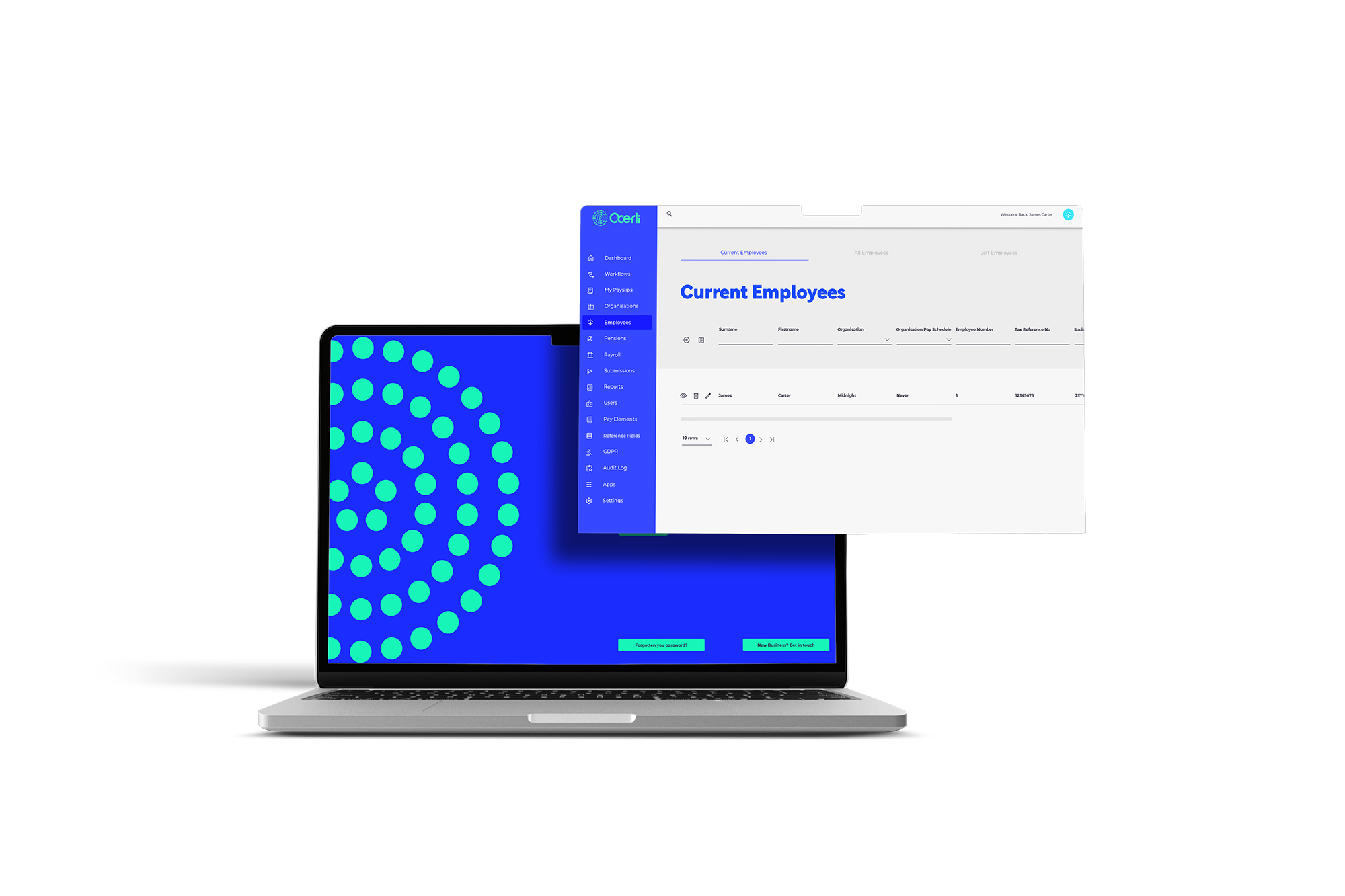
QuickBooks can be connected to Ocerli directly within the platform within the Apps area, allowing payroll data to be securely transferred once the integration is enabled. Step by step setup guidance is available to clients in the Ocerli Knowledge Base.
What's the difference between a bill and a journal entry?↓
A bill records payroll data in QuickBooks as a payable, while a journal entry records the same data directly into your accounts. Which one you use depends on how your finance team prefers to record payroll, Ocerli supports both.
Is the integration available for QuickBooks Online, QuickBooks Desktop, or both?↓
QuickBooks Online.
Can I refresh my QuickBooks data after exporting?↓
Yes. Data can be refreshed within the integration at any time, so QuickBooks stays aligned with Ocerli without needing to redo the export.
Can I export the same pay run to QuickBooks more than once?↓
Yes, should you need to make corrections, you can export corrected data as many times as needed.
Is payroll data transferred to QuickBooks securely?↓
Yes. Payroll data is securely transferred from Ocerli into QuickBooks, helping payroll and finance teams work from consistent, accurate figures with less manual handling.
Is Ocerli suitable for accounting firms managing multiple clients?↓
Yes. Ocerli's QuickBooks integration is well suited to accounting professionals and bookkeepers processing payroll on behalf of clients, allowing payroll data to be transferred directly into each client's QuickBooks account.

Ocerli Book a demo

Explore our system features

Discover how Ocerli simplifies payroll processing with smart features designed to save time and improve accuracy.

System features

Resources

Why cloud payroll software gives you more
Cloud payroll software is becoming the clear choice for businesses that want flexibility, speed and security. As one of the...
Why switching to Ocerli could be the best thing you do in 2026
Getting payroll right is essential for any business. It is not just about paying people on time. It is about...
Connect your payroll to Xero for automated, two-way syncing
Businesses using Xero now have a straightforward way to connect their accounting system directly to Ocerli. Our two-way integration allows...
Ocerli and PeopleHR – HR and Payroll Software, Connected
Ocerli now integrates with PeopleHR by The Access Group, bringing HR and payroll software together in one connected workflow. Businesses...